Link Mobile Number/SIM With Aadhaar Card From Home Via IVR method.
UIDAI has issued directives for generating OTP either through the service provider's website or through the Interactive Voice Response (IVR) services to facilitate the Aadhaar linking with mobile number.
Now, many telecom operators are offering a toll-free service - 14546 - for re-verification of your Aadhaar number on your mobile phone through an IVRS or Interactive Voice Response System. Mobile phone users can dial 14546 to link their Aadhaar number with the mobile number through IVRS-based OTP (One-Time PIN) verification.
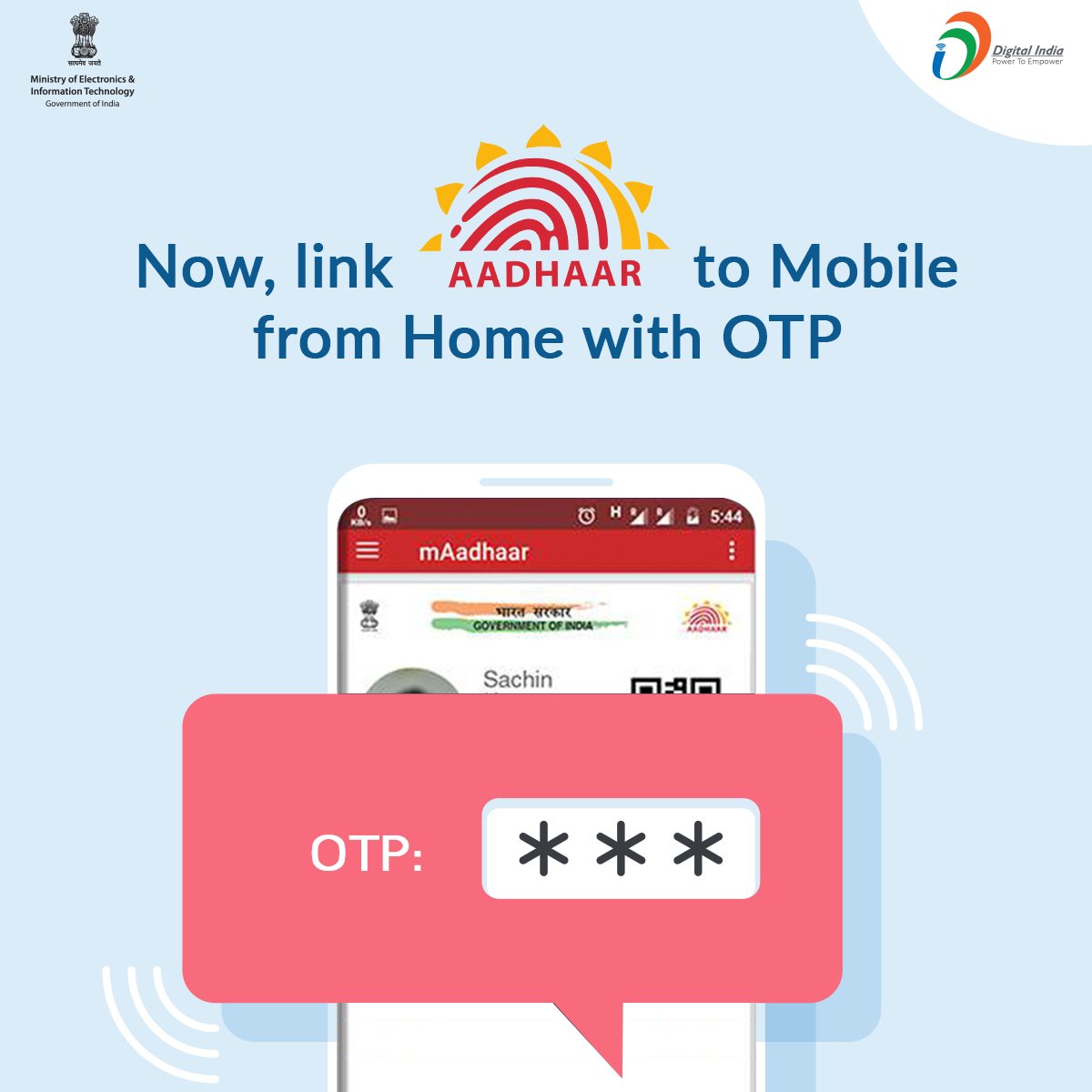
Source:Digital India Twitter
The UIDAI or Unique Identification Authority of India - the issuer of the 12-digit Aadhaar number - has issued directives for generating OTP either through the service provider's website or through the Interactive Voice Response (IVR) services to facilitate the Aadhaar linking with mobile phone number, the government has said on microblogging site Twitter.
#DigitalIdentity service made easy | @UIDAI (Aadhaar) has issued directives for generating OTP either through the service provider's website or through the Interactive Voice Response (IVR) services to facilitate the linking, also known as re-verification. pic.twitter.com/RWuovxnOt3
— Digital India (@_DigitalIndia) January 2, 2018
The new IVR-based Aadhaar system will mobile phone subscribers link their SIM from sitting in their home. Earlier, they had to visit the store to get the linking done.Many telecom operators have activated this service. Mobile phone users may check with their telecom operator for such a facility.
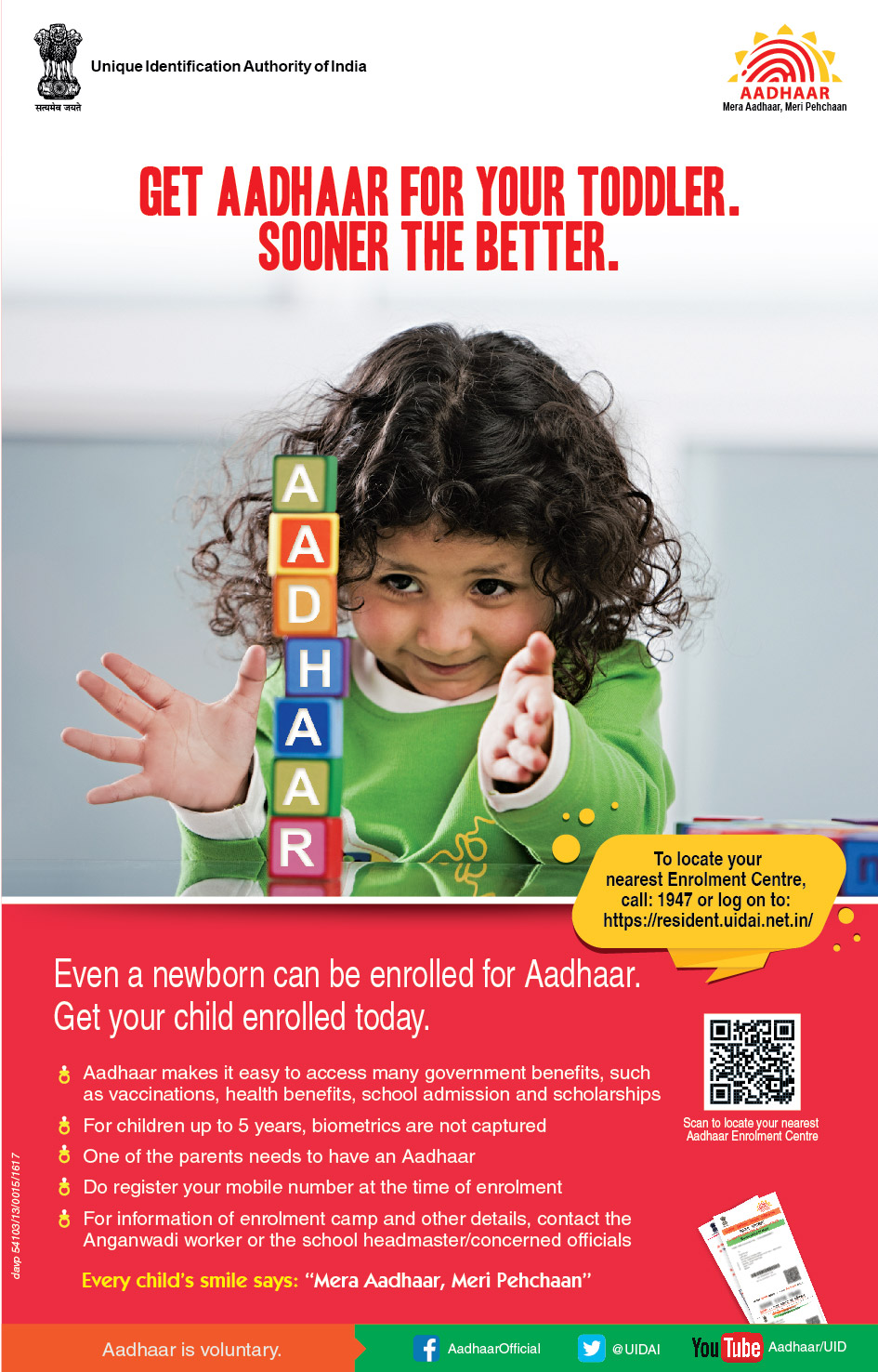
Source:UIDAI
Here's the procedure of IVRS-based Aadhaar authentication through helpline 14546:
1) Dial 14546 from your mobile phone and wait for the IVR voice.
2) Once the call gets connected, you will be asked to select the language. Select language as per the instructions.
3) Now, you will be directed to enter the Aadhaar number. Once after you entering the Aadhaar number, telecom operator will send the Aadhaar details entered by you to UIDAI for verification.
4) Once verified, you will receive an OTP, which you need to enter during the call itself. After entering the OTP, the call can be disconnected. After that, you will receive a confirmation SMS.
Credits:Indian jugad Tech
Aadhar Card ko Mobile number se kaise link kare. How to Lonk Aadhar Card with Mobile Number. Link Addahar card with Mobile Number. Link Aadhar Card with mobile Number Online. Link Aadhar Card to Sim. Link Aadhar Card to SBI Bank Account.Link Aadhar Card to PAN CARD. Aadhar Card Mobile Number Registration. Aadhar Card Kaise Banaye. Aadhar Card For NRI. Aadhar Card News. check aadhaar linking status with bank. how to check aadhar card link with bank through mobile. how to check aadhaar and bank account linking status. how to check if aadhar is linked to bank account . aadhaar link to bank online registration. aadhar card link to sbi bank account status *99*99# aadhar status. aadhar card link to bank account form

EPDS Telangana Ration Card is known as the key card for all the citizens of India. The Government of India has made it available by the state. After the separation of Telangana and the Andhra Pradesh State, the Telangana Government introduced the EPDS Telangana Ration Card or Ahara Bhadratha output cards.
ReplyDeleteThe government of India is committed to open over 100,000 CSCs across the country. Here are the prerequisites to start your Apna CSC.
ReplyDelete